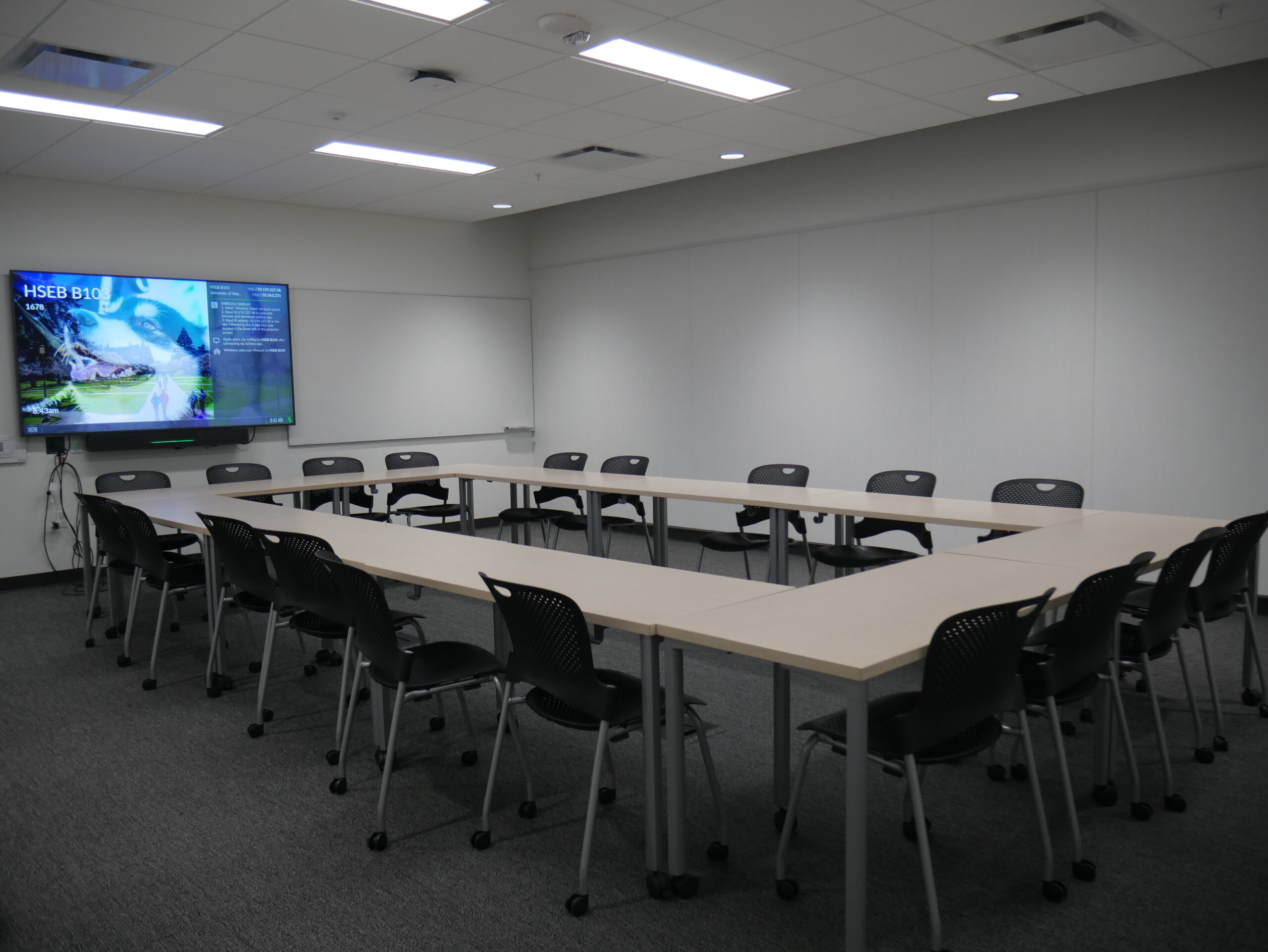
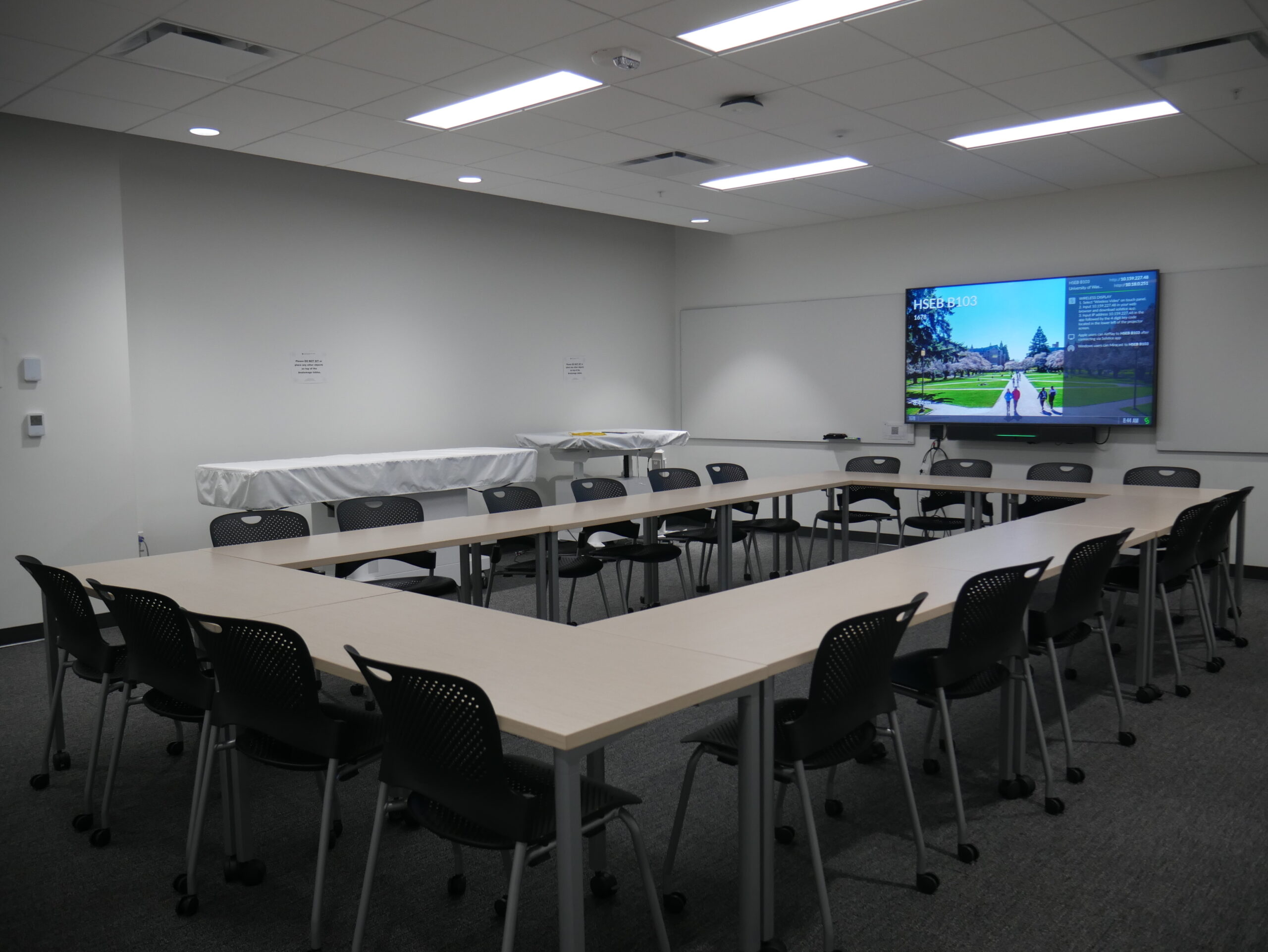
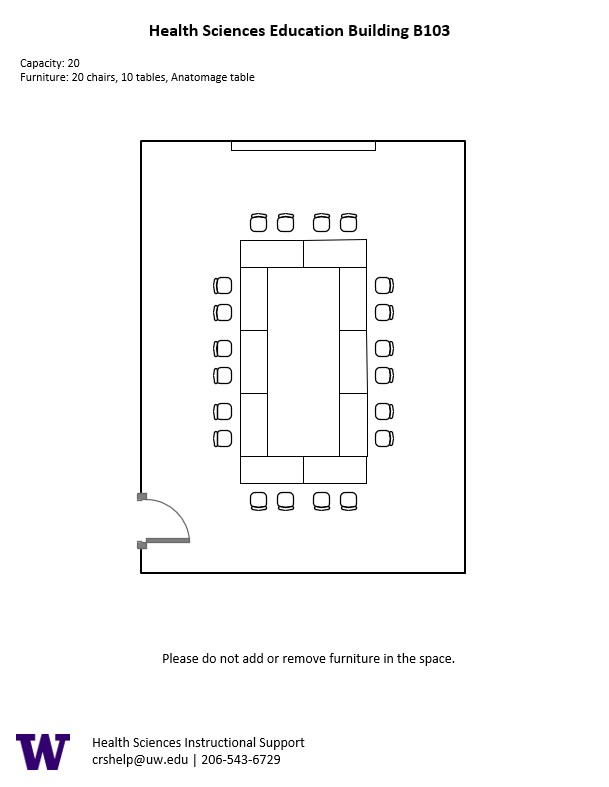
HSEB B103, located in UWS Health Sciences Education Building, is a Video Conference Room with seating for 20 people. It has an Anatomage table – a 3D anatomy visualization and virtual dissection tool for anatomy and physiology education.
Set Up Diagrams
HSEB B103 Set Up Diagram
AV Tutorials
General Guide to Using Our Spaces
Basic Instructions
Connect your device with the HDMI cable with adaptors to fit your device
You can adjust the volume of your device from your device volume
Make sure to disconnect your device by unplugging the HDMI cable when you are done with the space
How to Connect Wirelessly in Our Spaces
Windows Devices
Press Windows + K on your keyboard to open wireless display options
Select the room you’re in
Enter the 4-digit code on the screen
Apple Devices
Connect through Apple Airplay by going to the top right and select the Control Center
Select Screen Mirror
Select the room you are in
Input the 4-digit code that pops up on the room screen
Unable to Connect through Airplay
Download the Mersive Solstice app if not already installed
Open the Mersive Solstice app
There will be a pop-up that will ask for access to screen record, select Accept
Input the IP address of the Solstice pod into your app
Input the 4-digit code that pops up on the room screen
Choose what content you want to display into the room
Guide to Using the AV Bridge
Instructions for Zoom
Plug in the USB cable into your device
Once Zoom is opened up, click on the arrow by the camera
Select AV Bridge for the camera in the room
Click on the arrow by the microphone and select AV Bridge input for microphone
For the speaker, select Extron or Crestron
To confirm that the audio is working properly, select Test Speaker & Microphone
Instructions for Panopto
Plug in the USB cable into your device
Once Panopto is opened up, click on the video input tab
Select AV Bridge for the camera in the room
Click on the audio input tab
Select AV Bridge for the audio input
For additional information or assistance with Zoom or Panopto, please email UW-IT at help@uw.edu or call them at 206-221-5000.